STOP MOTION STUDIO TUTORIALS
Bring your ideas to life.
Start with your first movie, learn a new technique, or give your LEGO® characters a little personality. Follow along at your own pace.
The Basics
Learn animation with our easy-to-follow video guides. From your first shot to the final edit, we'll show you how to create amazing stop motion movies.
New here? Begin with “Get started,” then follow the videos in order to make your first movie.
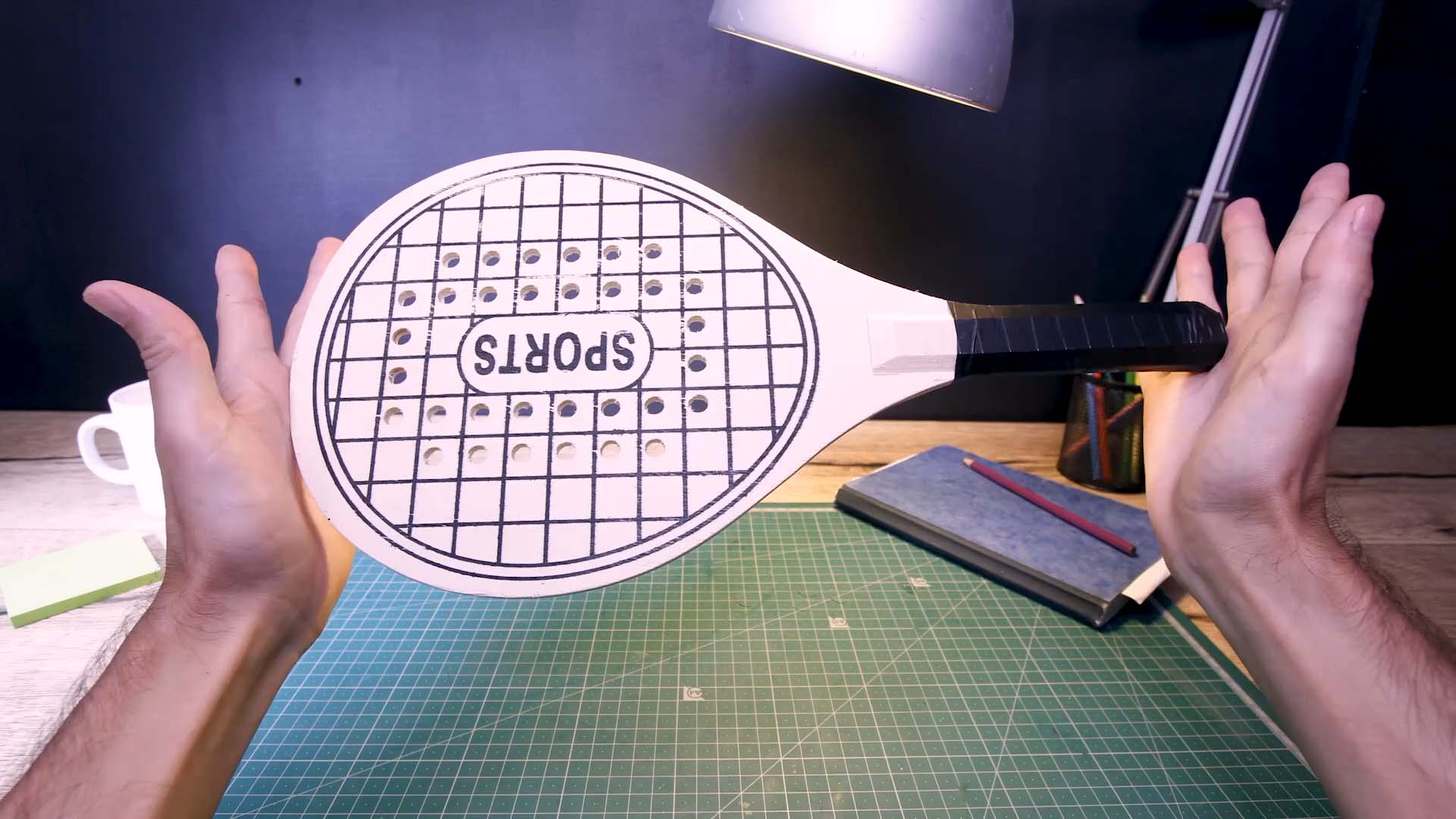 Get started
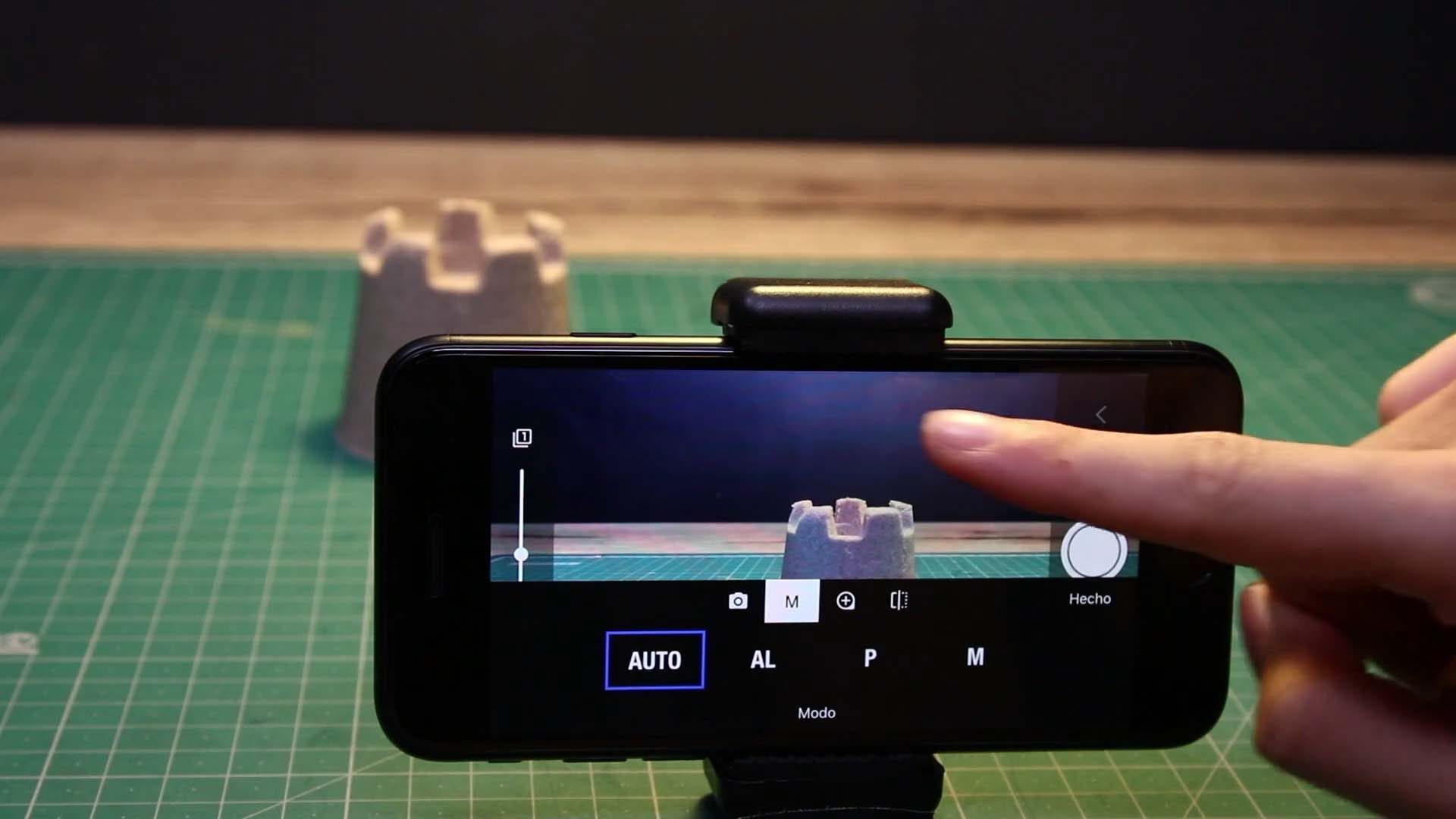 Basic camera setup
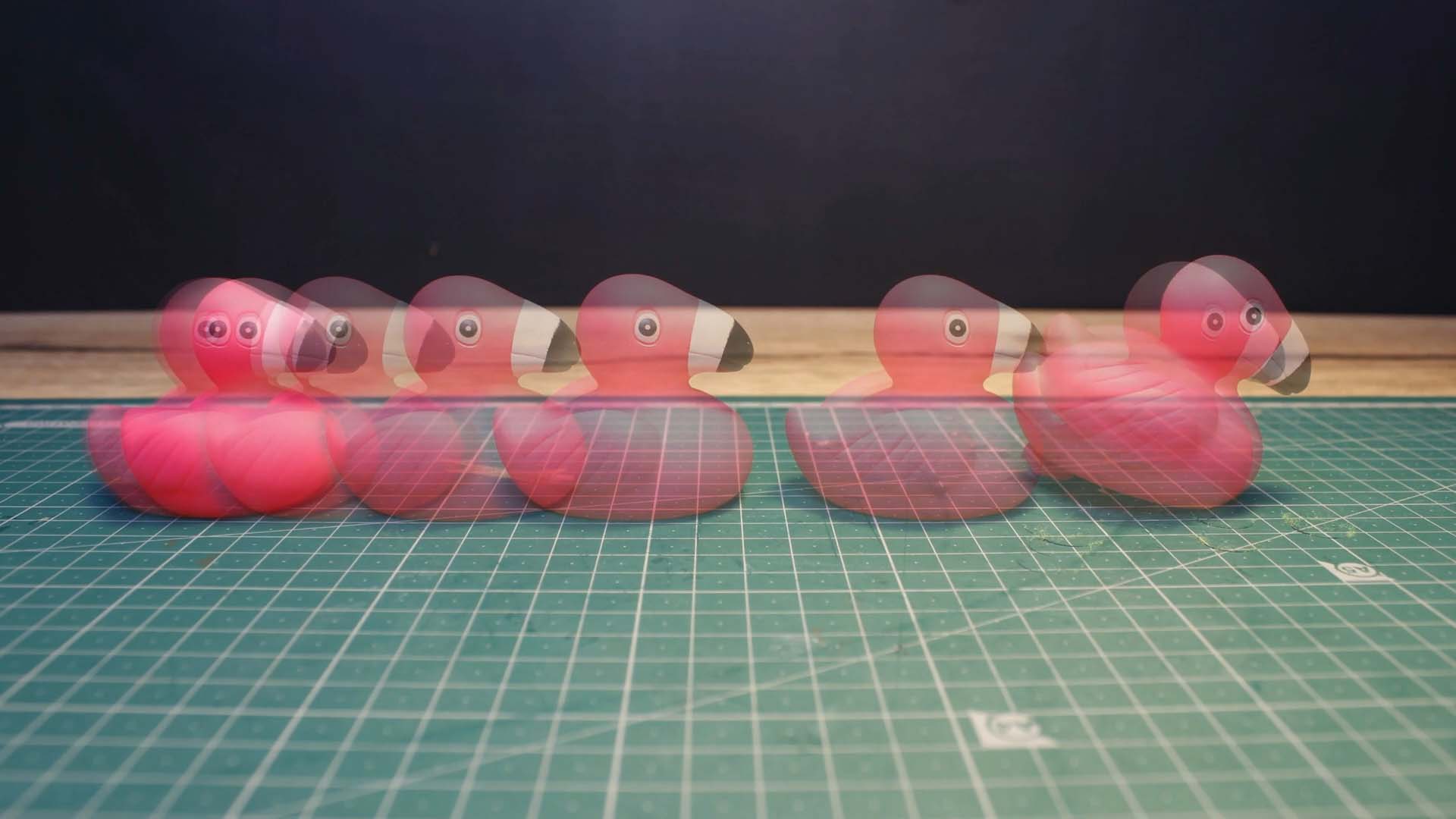 How to animate
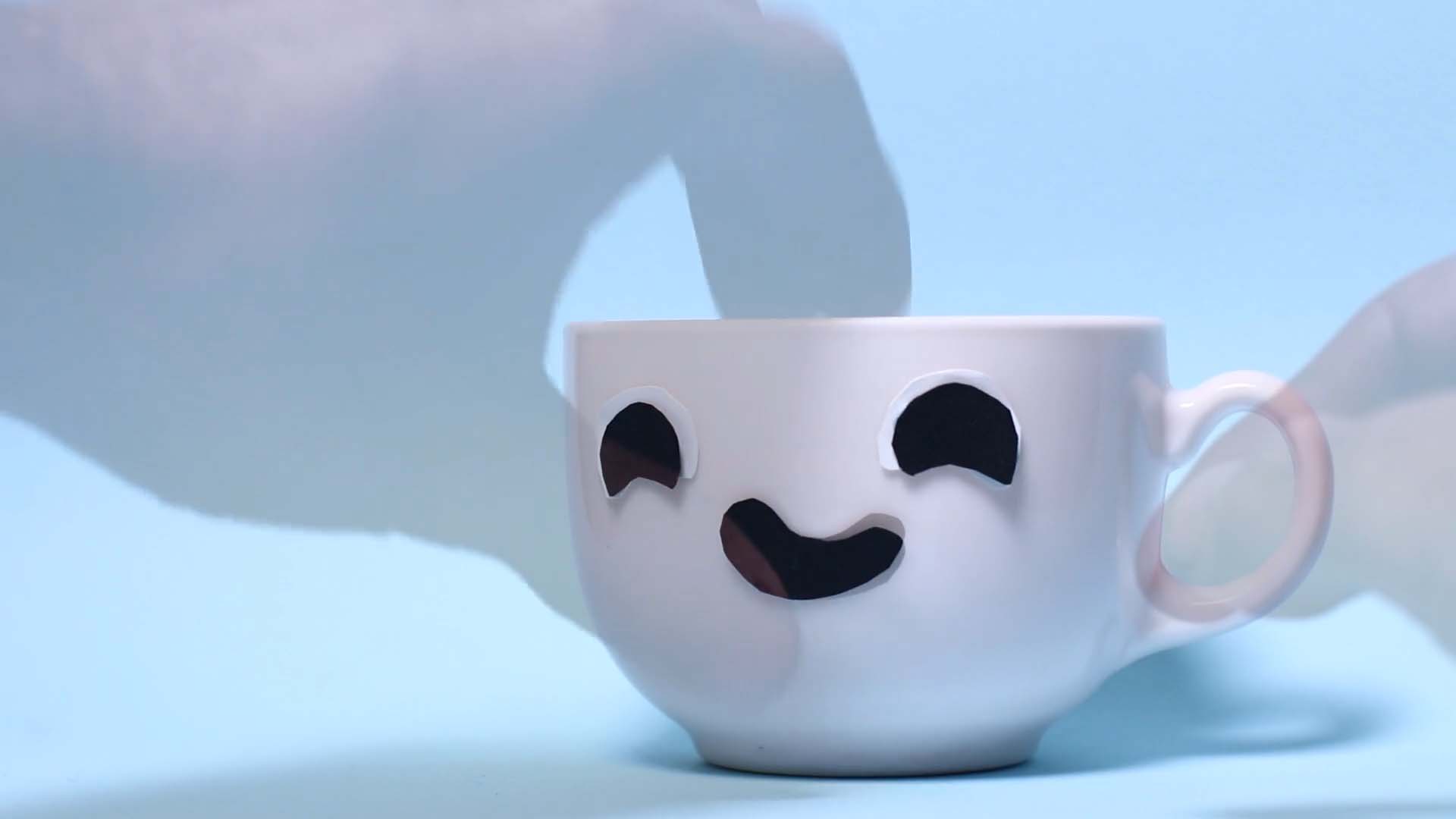 Plan your animation
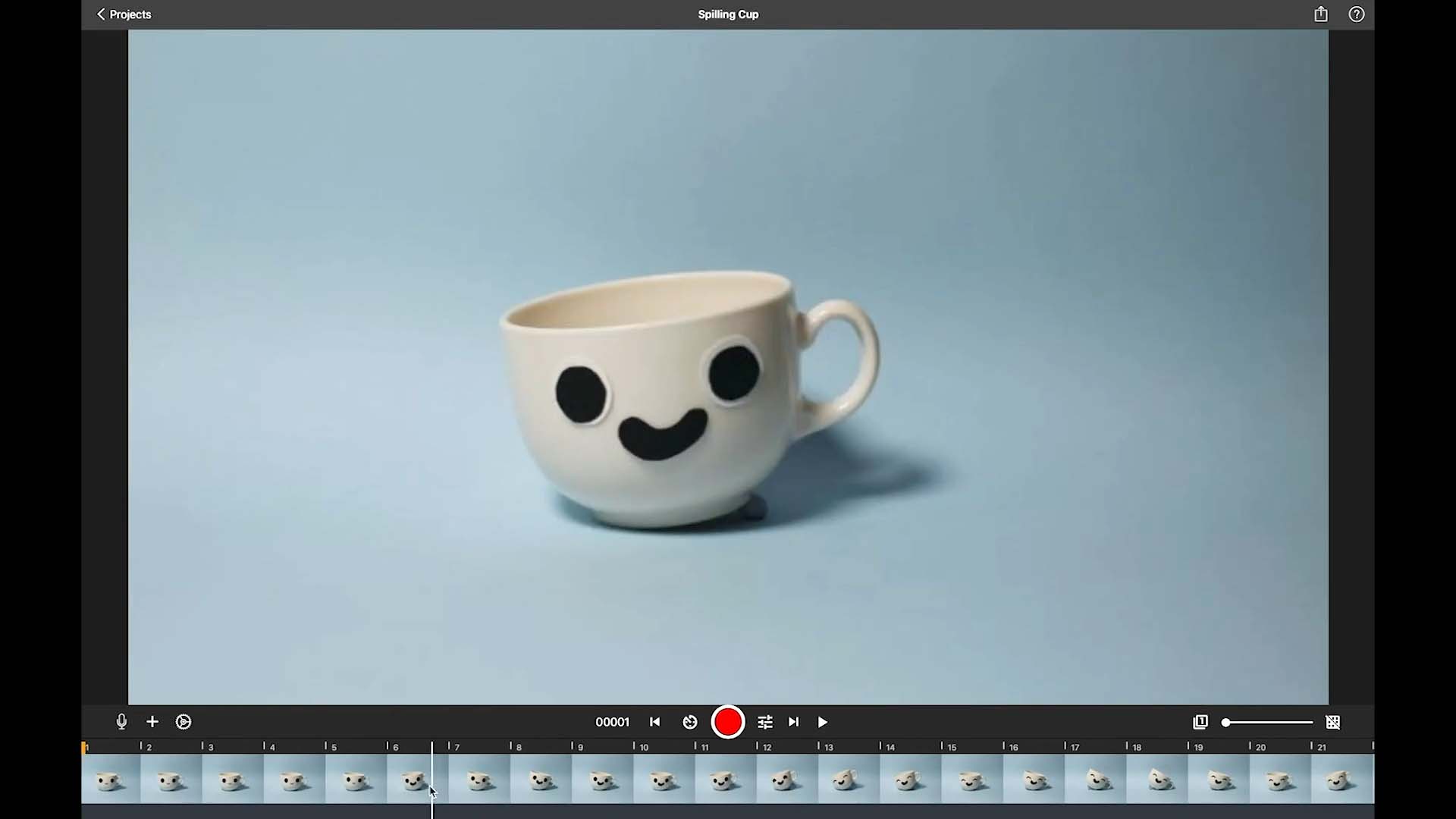 Edit your movie
 Music and sound effects
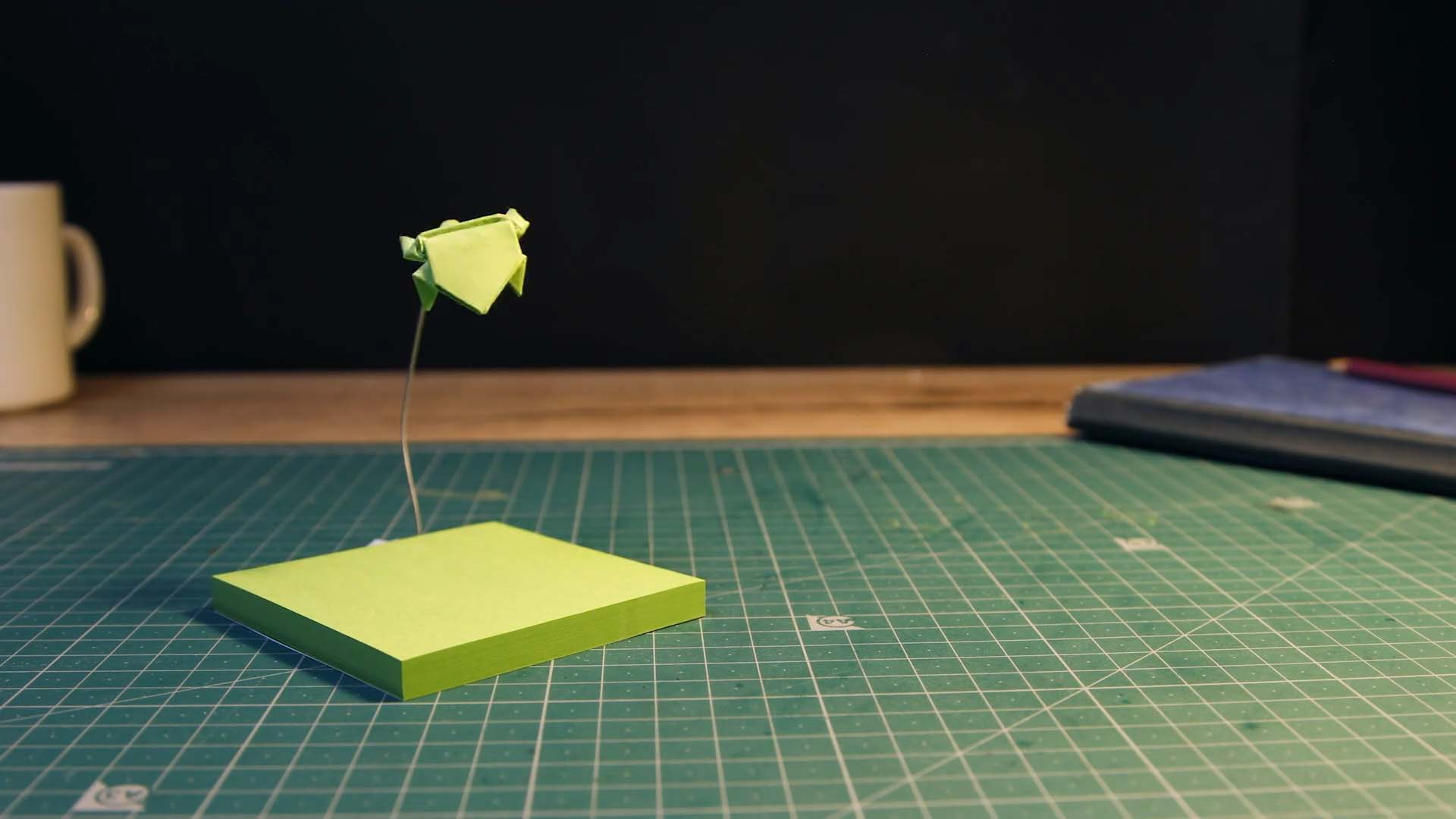 Remove unwanted objects
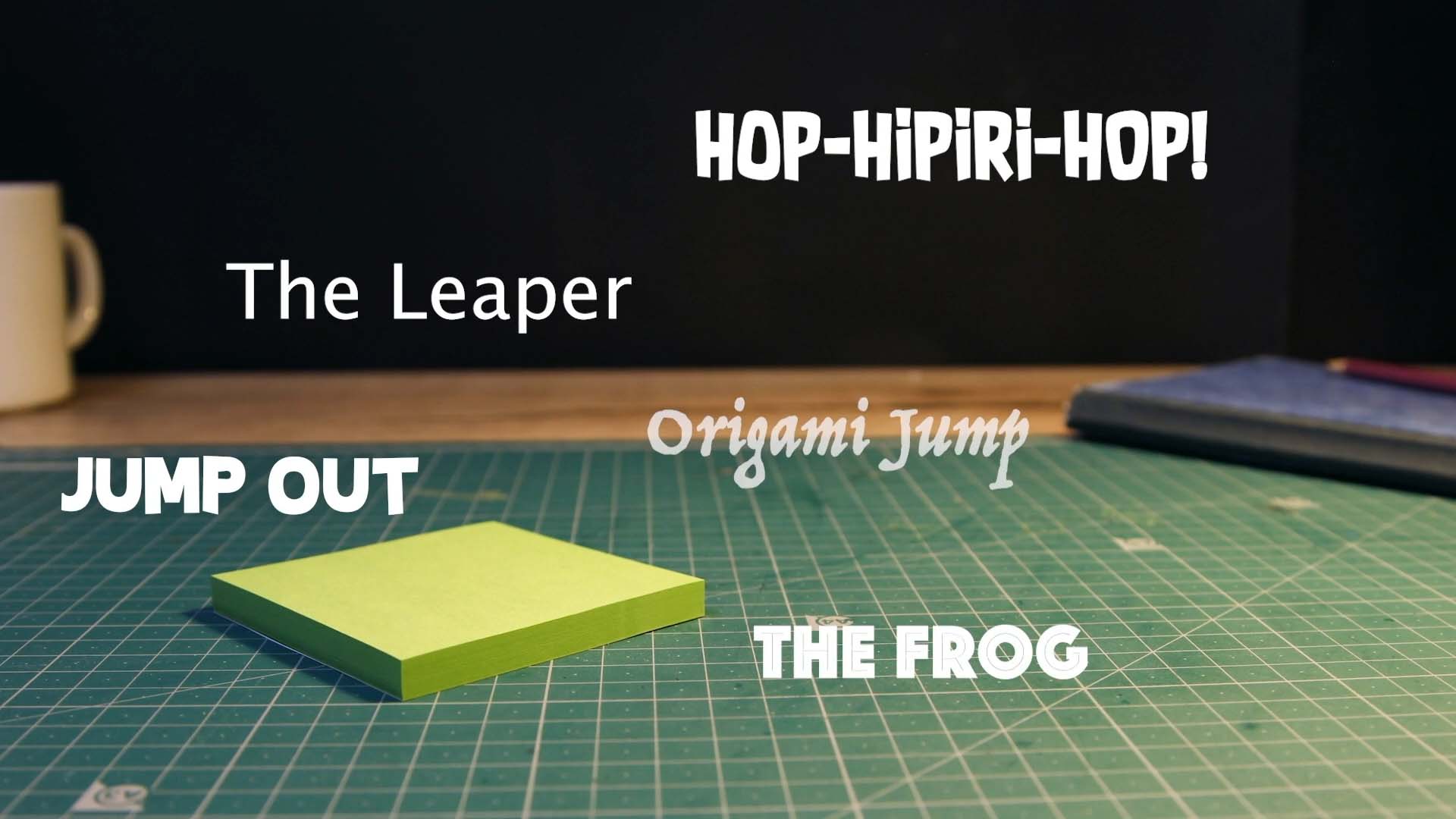 Add titles and credits
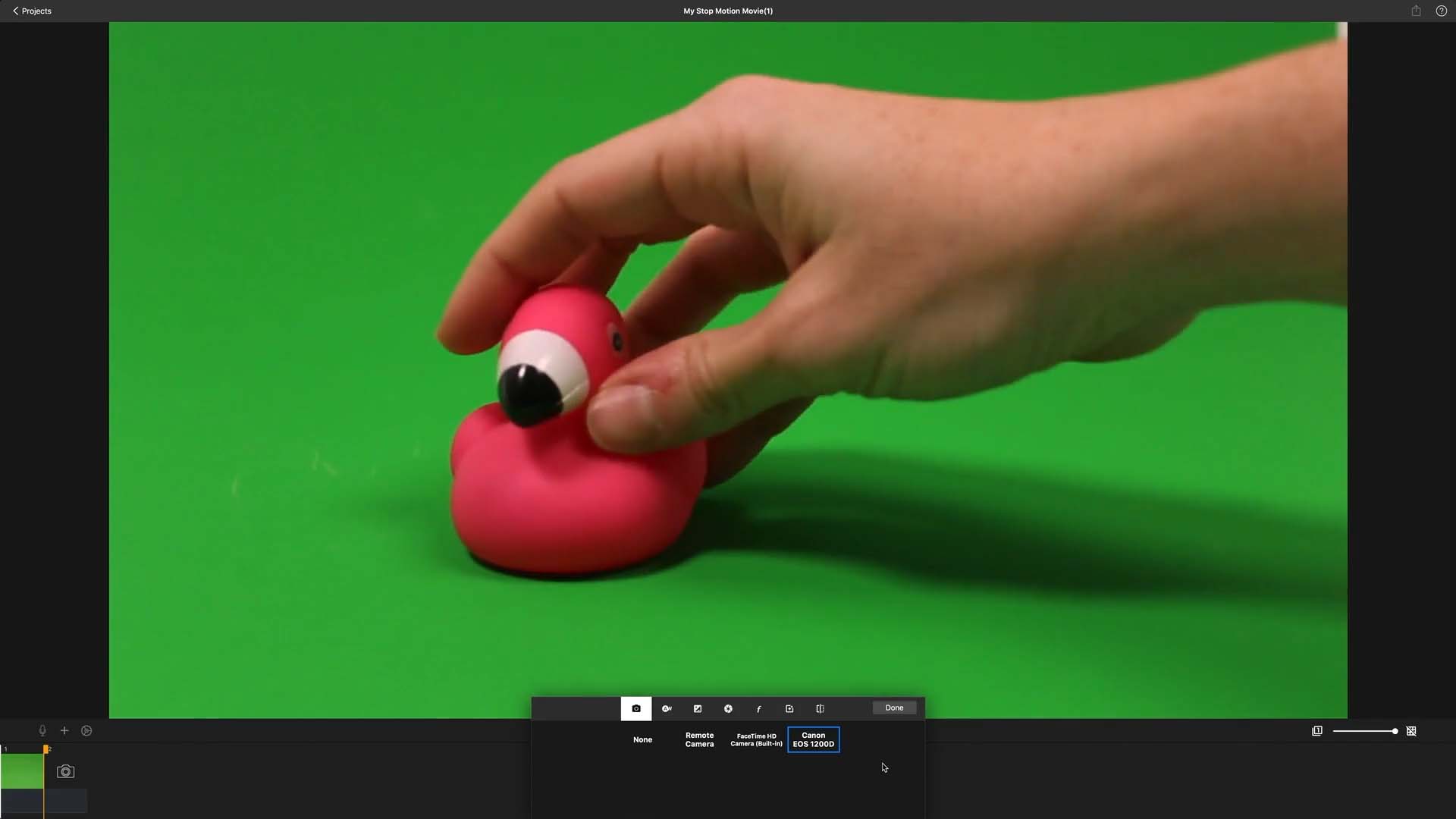 Change the backgrounds
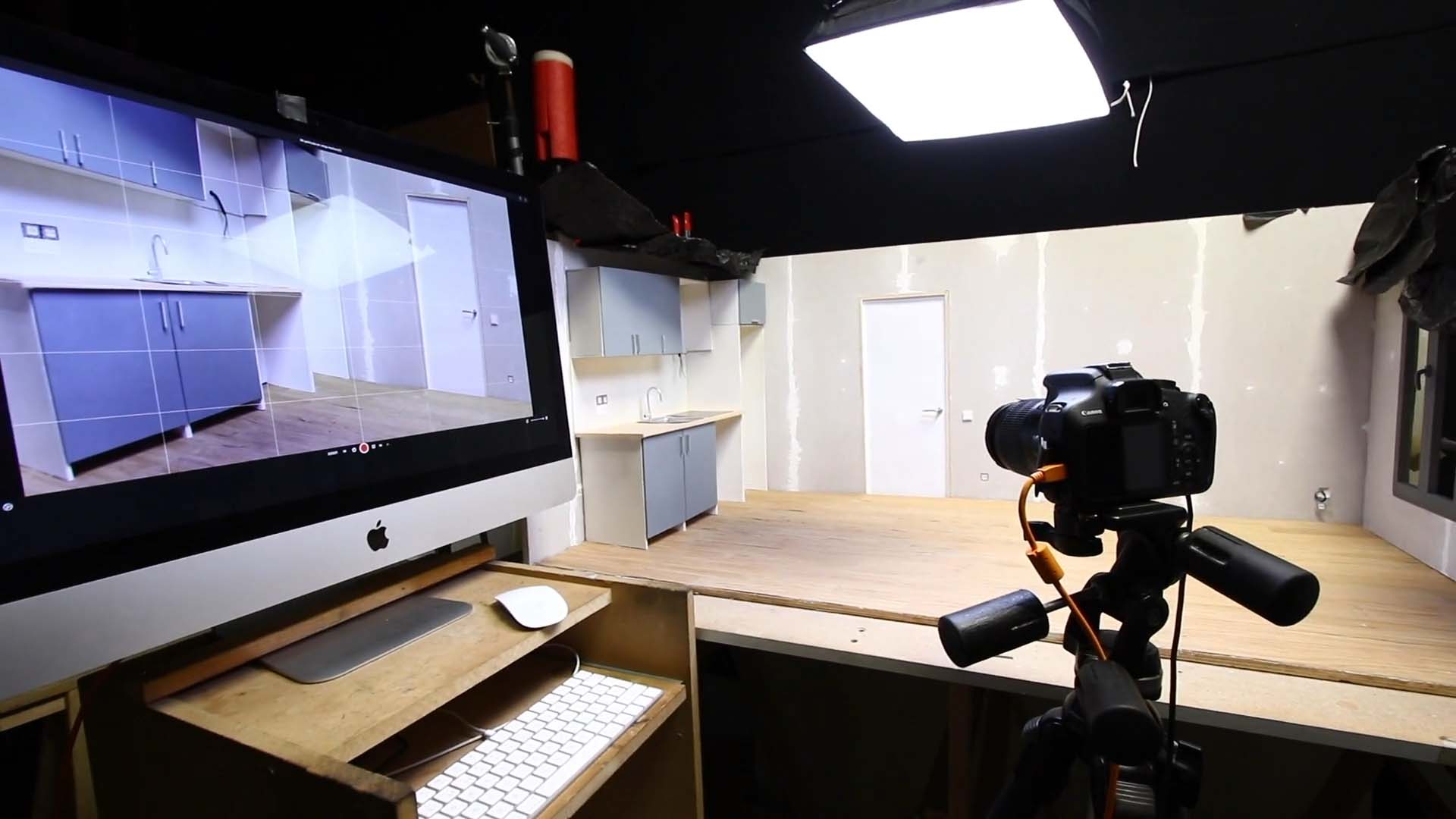 Take advantage of a full-size camera
How to Animate
Learn animation fundamentals with easy, step-by-step video tutorials.
 Stretch & Squeeze
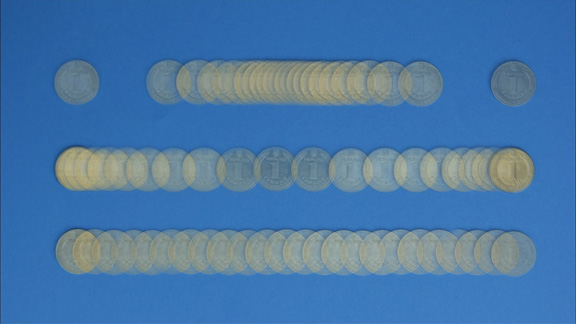 Spacing
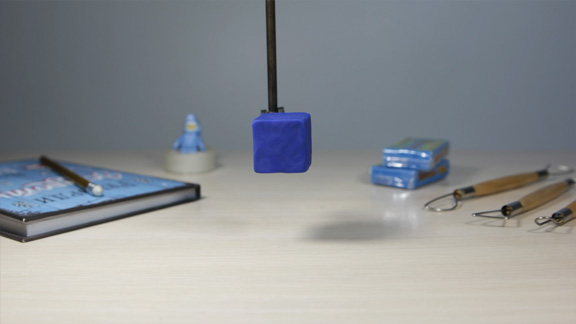 Timing
 Start Slow, End Slow
 Curved Paths
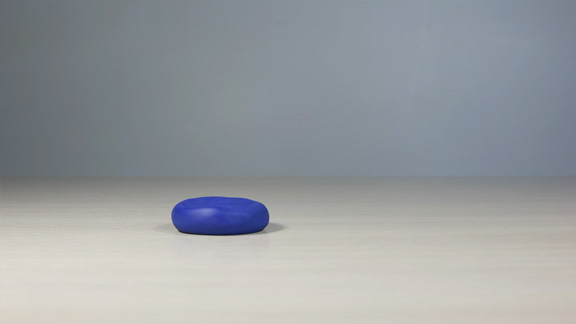 Anticipation
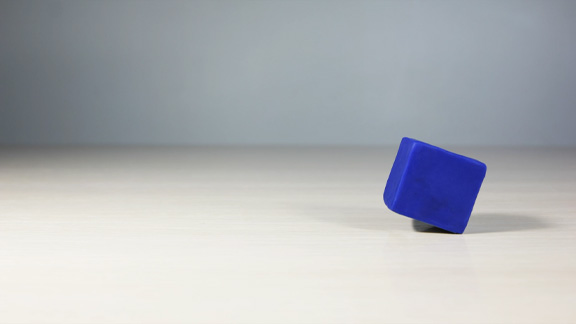 Keep It Flowing
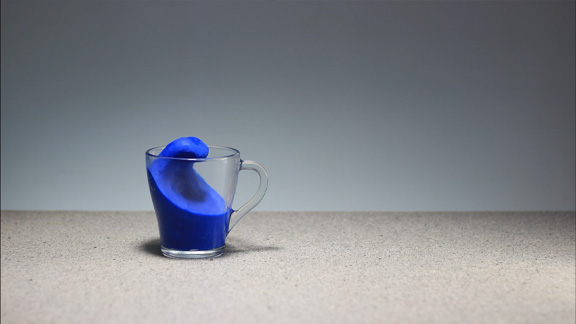 Exaggeration
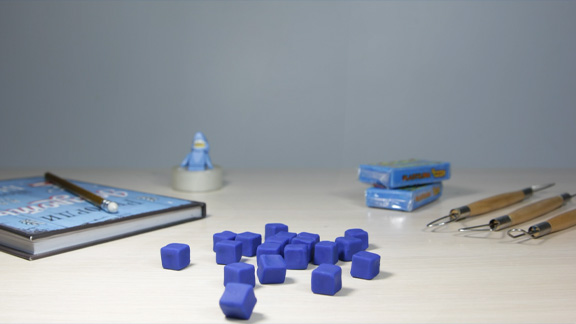 Bringing It All Together
LEGO® Animation Guide
Learn to animate your LEGO® characters. Our guide makes it easy for any skill level to create captivating stop-motion animations.
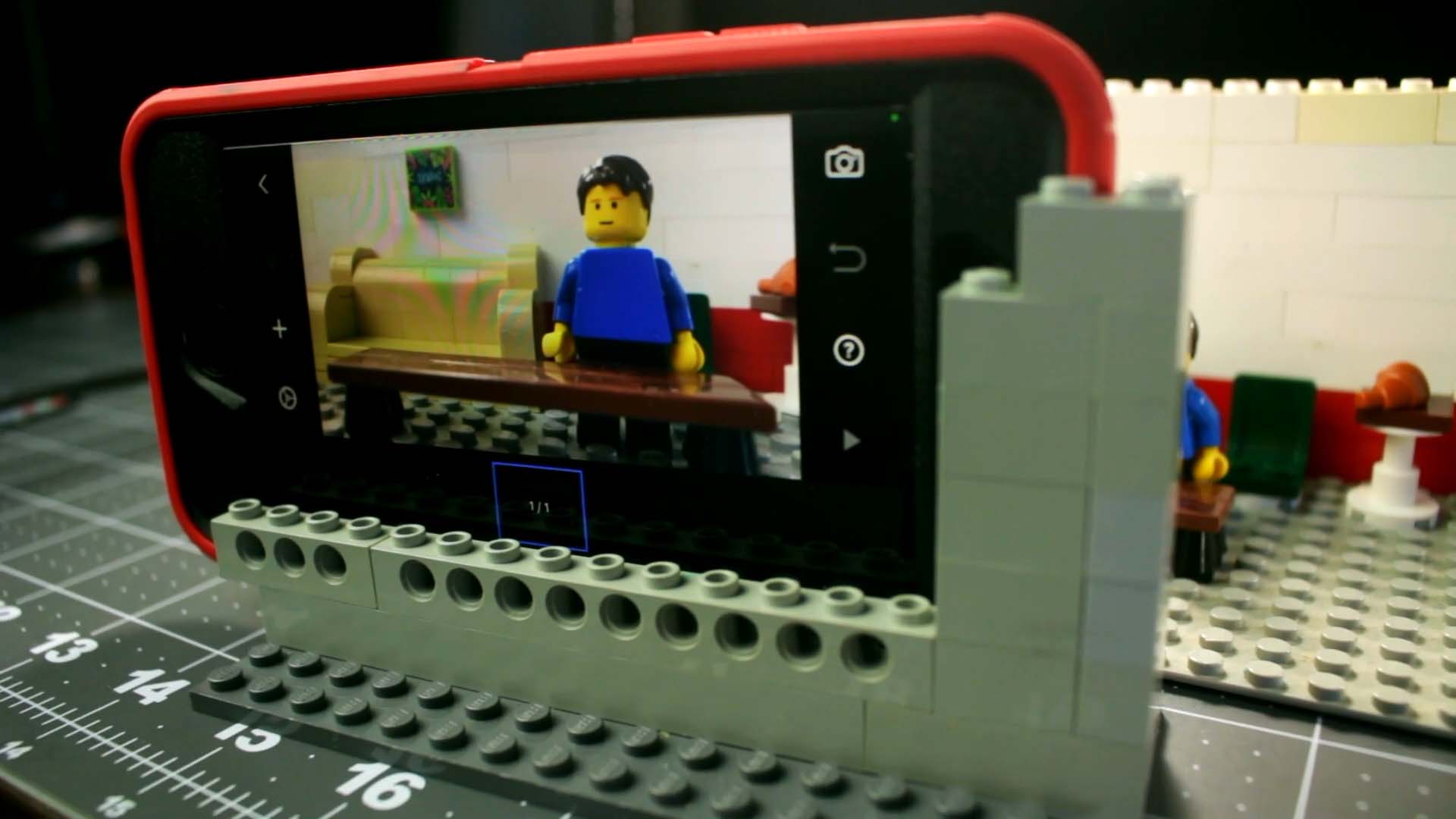 Scene Setup
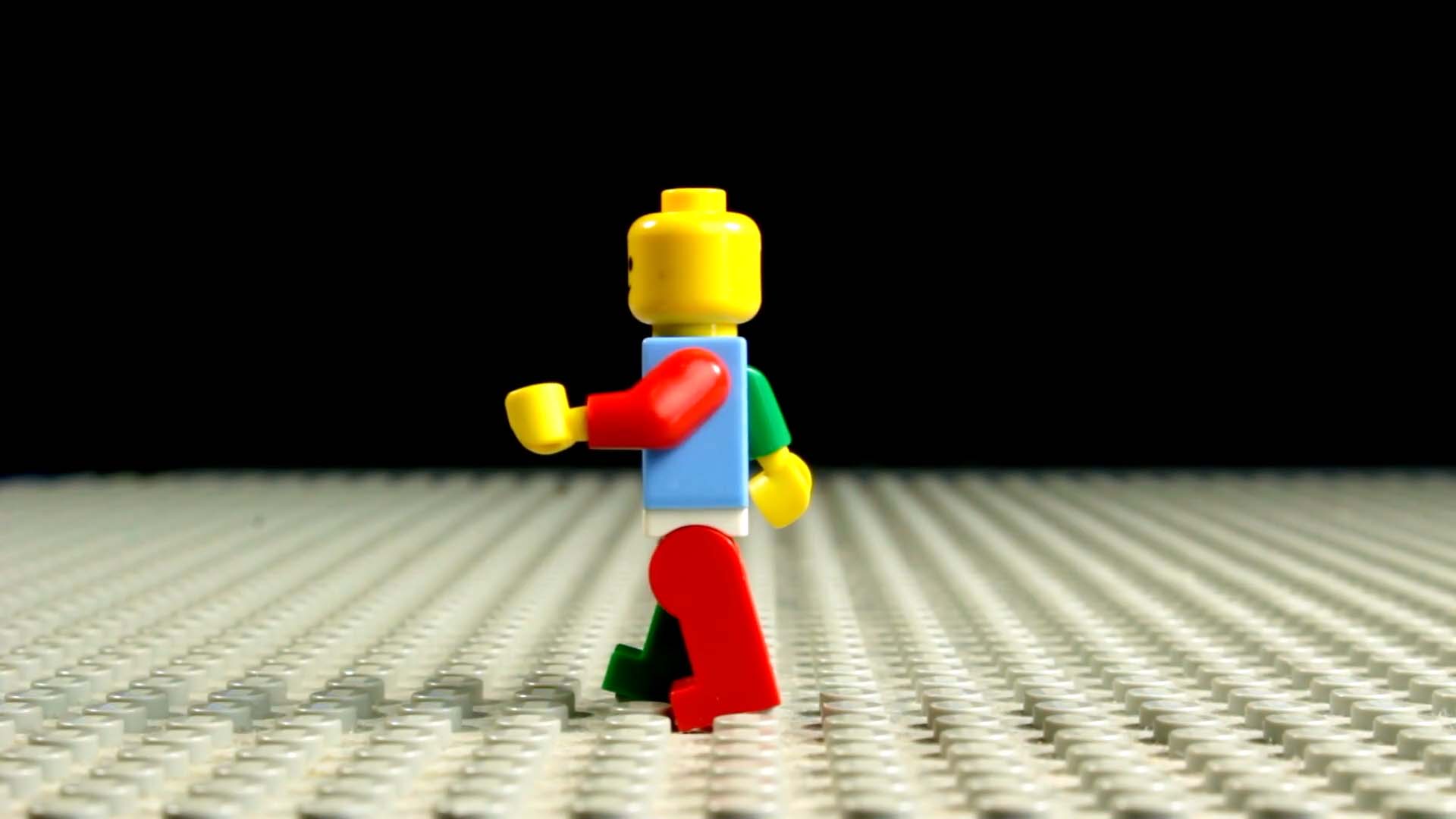 Walk Cycle
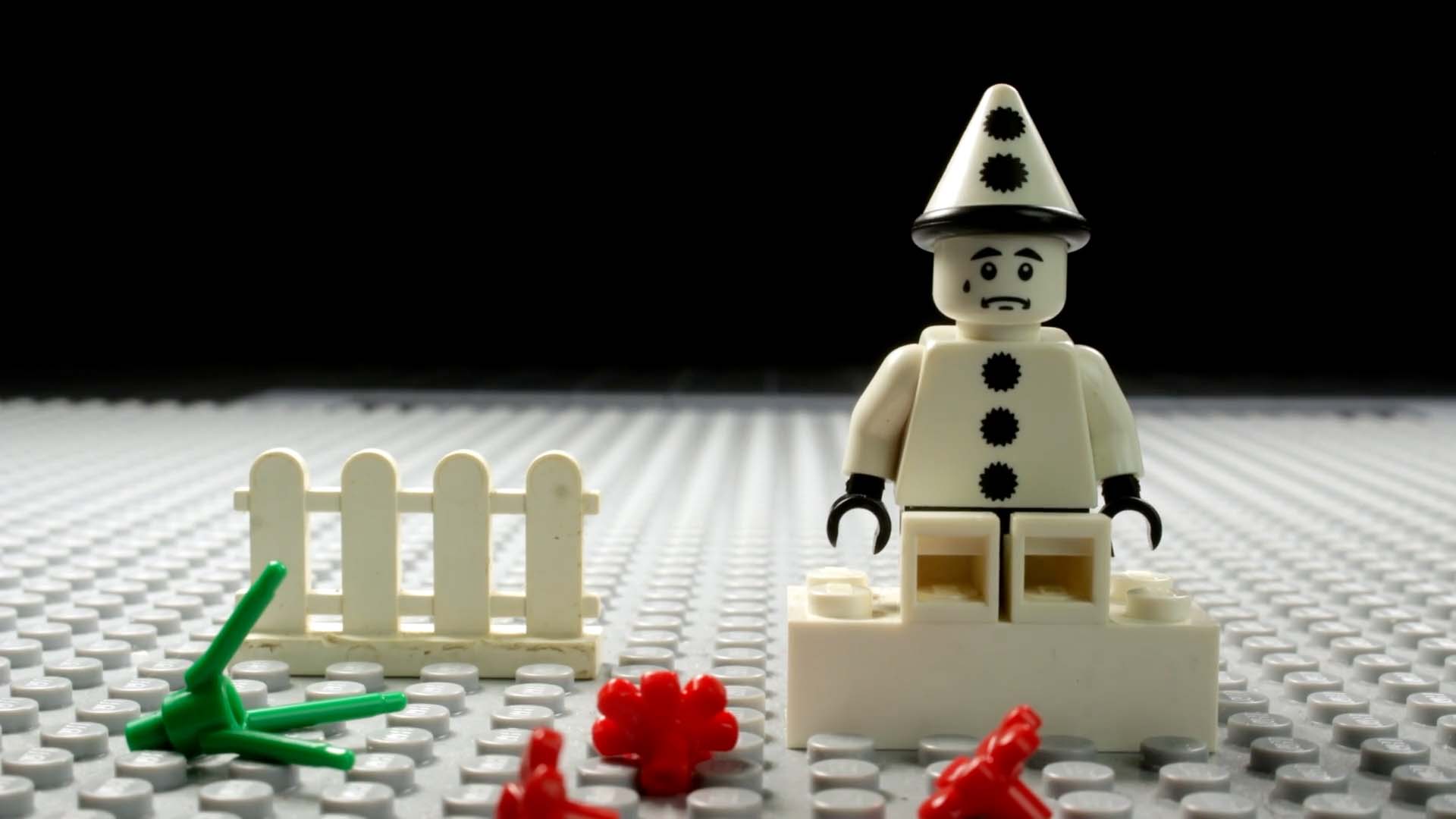 Gestures and Emotions
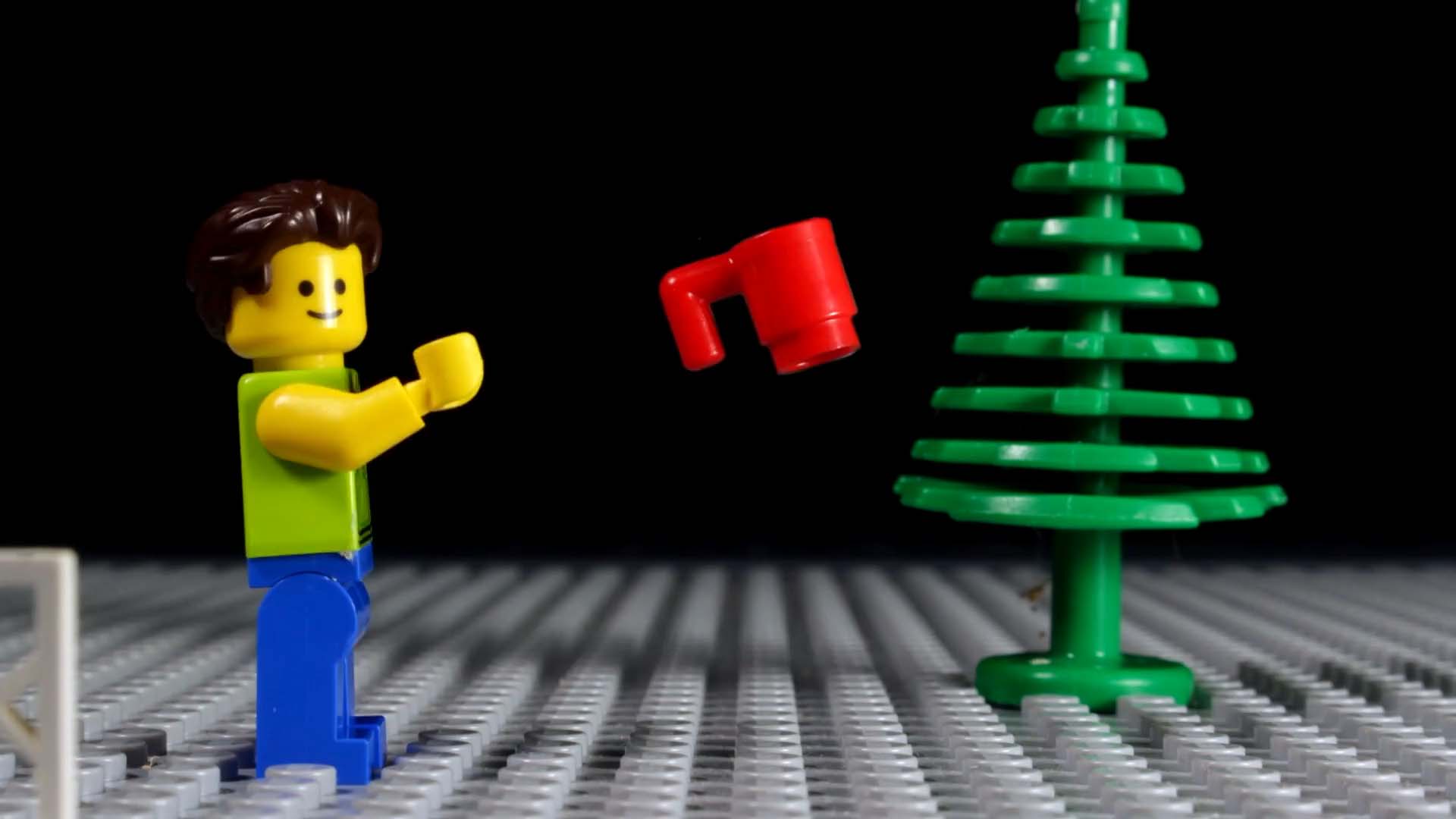 Jumping, Flying, and Throwing
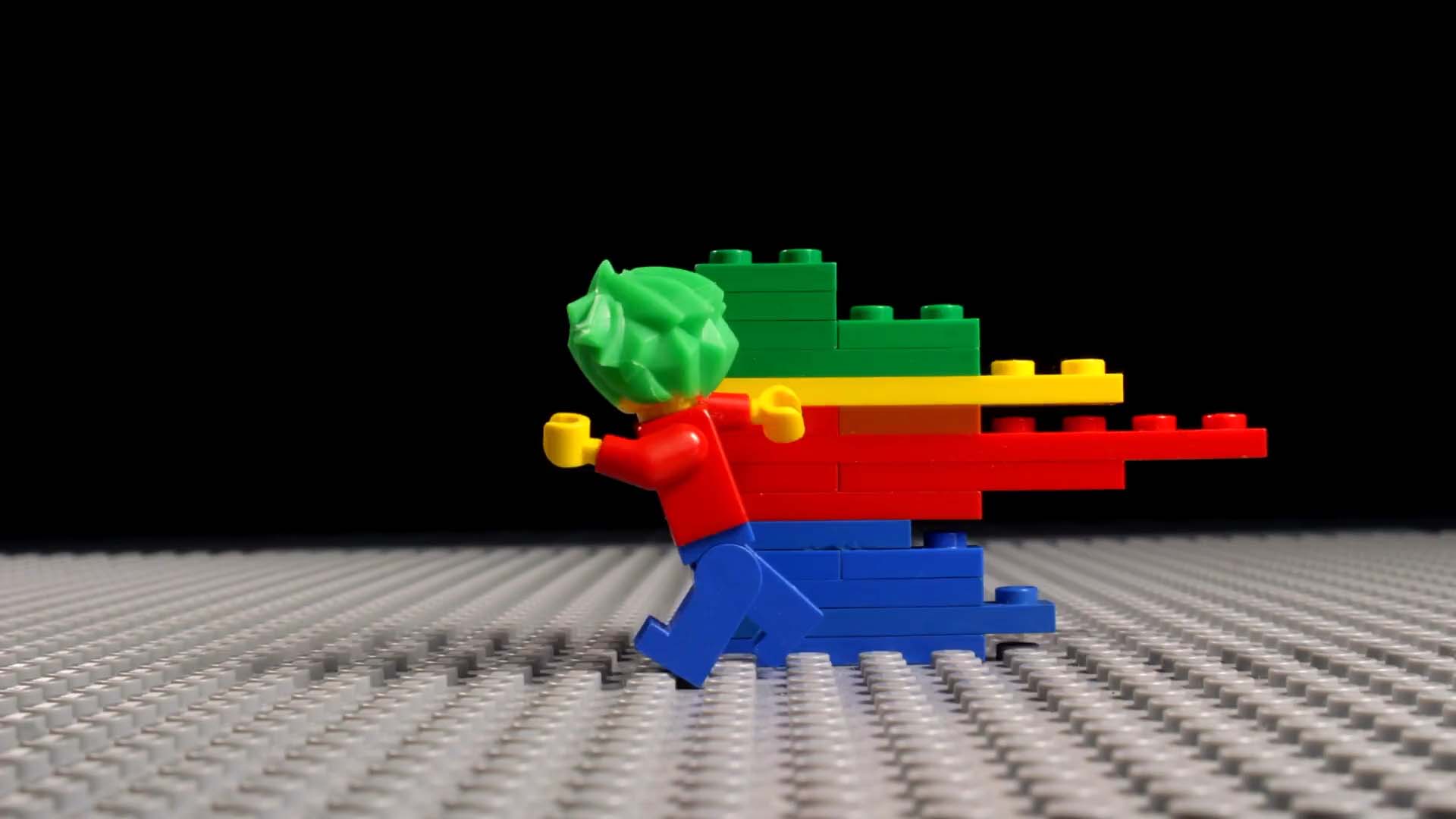 Special Effects
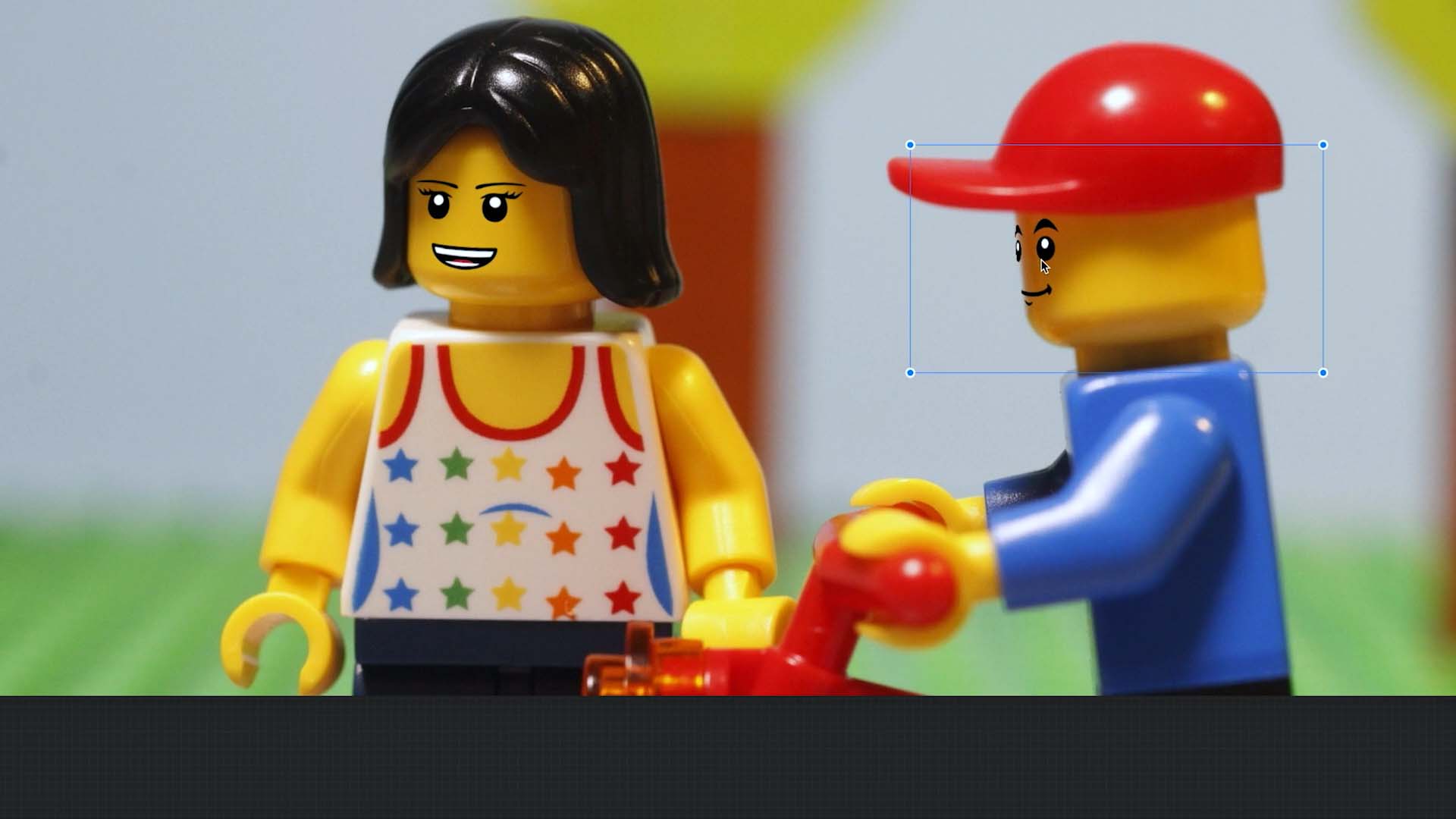 Facial Expressions
More Videos on YouTube
For additional inspiration and tutorials, check out YouTube.