
The Magic of Stop Motion
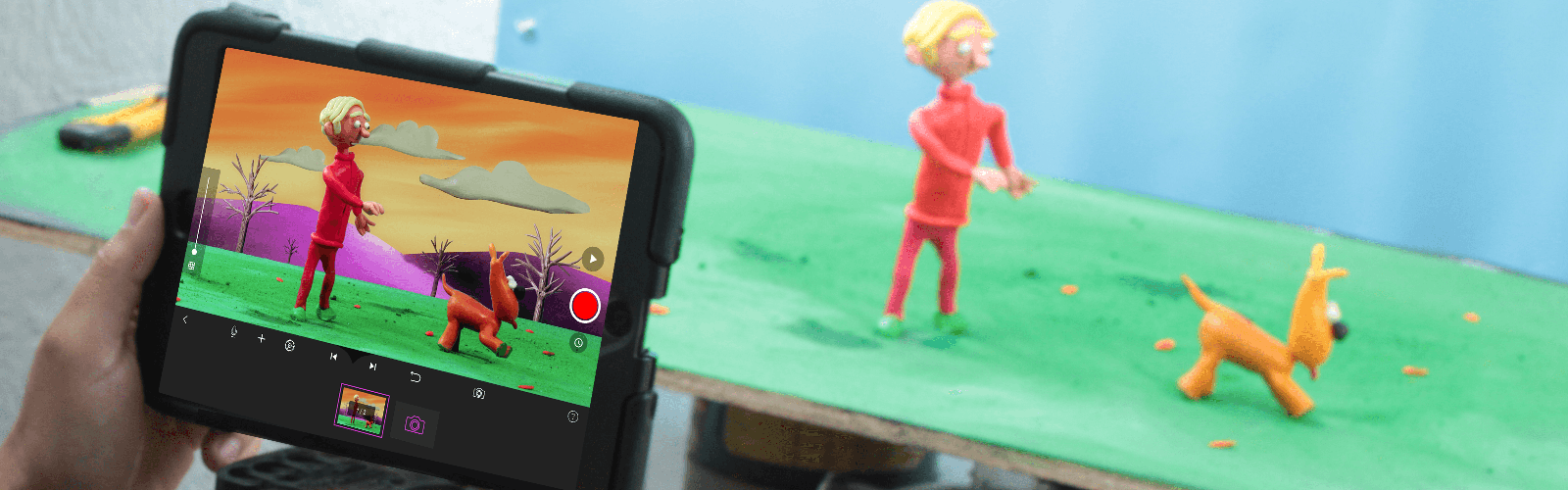
If you’re familiar with movies like Wallace and Gromit or those groovy Lego shorts on YouTube, then you’ve likely encountered stop motion. Stop motion (also known as stop action) is an animation technique used to make any chosen object appear to move on its own. The object is moved or manipulated slightly in small increments and captured in individually photographed frames. This creates the illusion of movement when a series of frames is played as a continuous sequence. Ready to start your first stop motion animation?
Start your first movie
Follow these guides in order, or jump to the part you need.
1. Create a movie
Start a project and get ready to capture your first frames.
2. Set up the camera
Frame your scene and keep the camera steady.
3. Line up each frame
Use onion skinning to compare your next shot with the previous frame.
4. Share your movie
Export your finished animation and share it with others.
Find a feature
Use the chapter menu to browse the manual, or search by feature using the search at the top of the page. When a guide includes screenshots, choose Phone, Tablet, or Desktop to see the relevant layout.