Keyboard Shortcuts
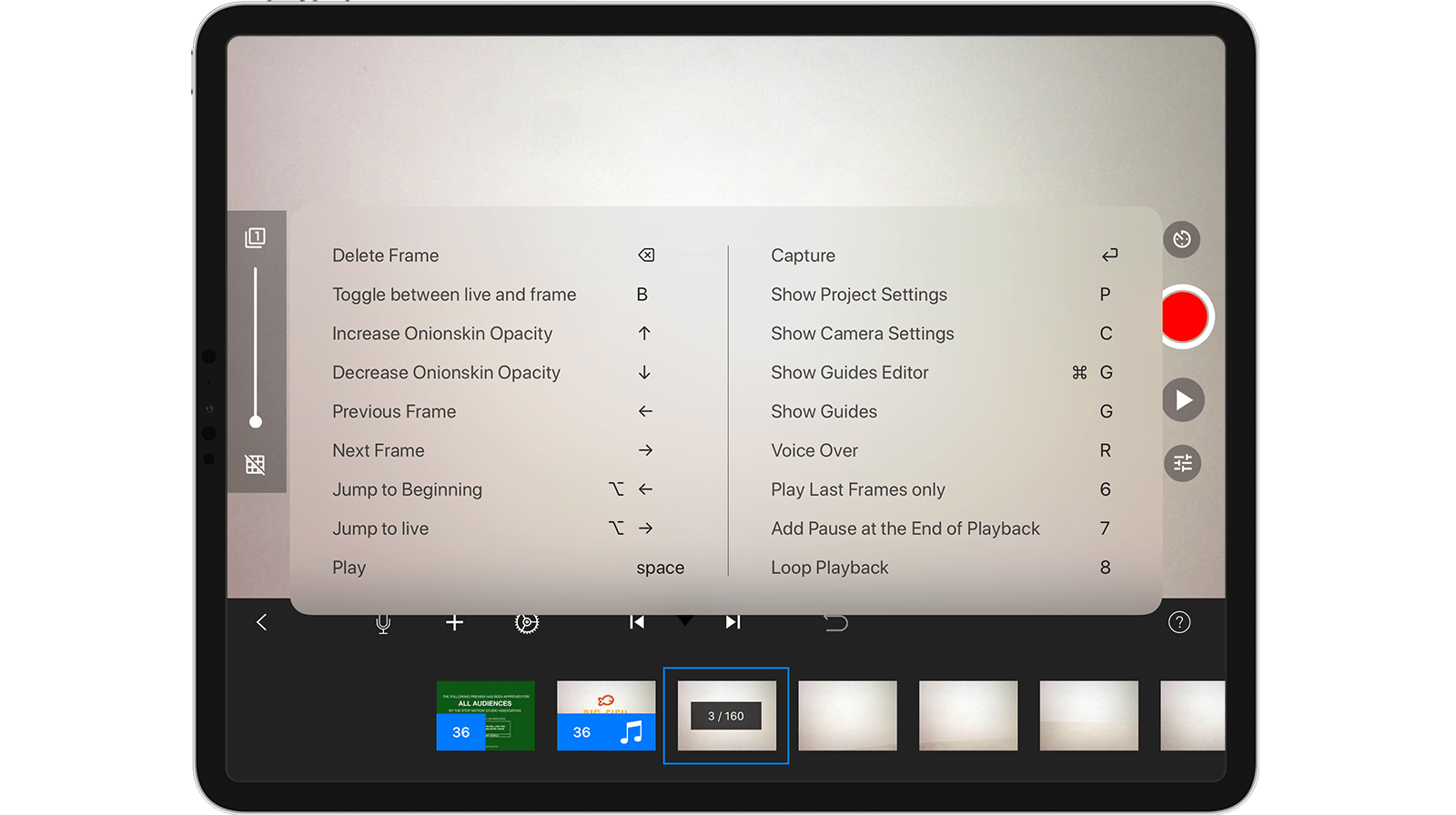
You can quickly accomplish many tasks in Stop Motion Studio if you have a hardware keyboard connected.
- ⌫: Delete Frame
- ⎇←: Jump to Beginning
- ⎇→: Jump to Live
- →: Next Frame
- ←: Previous Frame
- ↑: Increase Onionskin Opacity
- ↓: Decrease Onionskin Opacity
- B: Toggle between live and frame
- ↵: Capture
- ␣: Play
TIP
On your iPad, Hold ⌘ to see all available keyboard shortcuts.